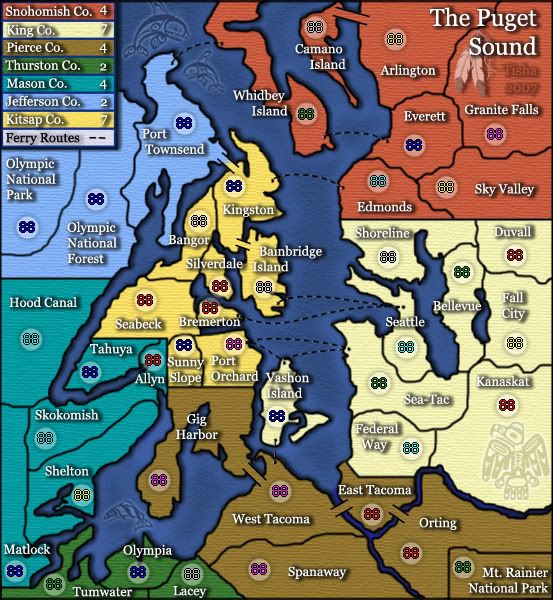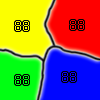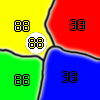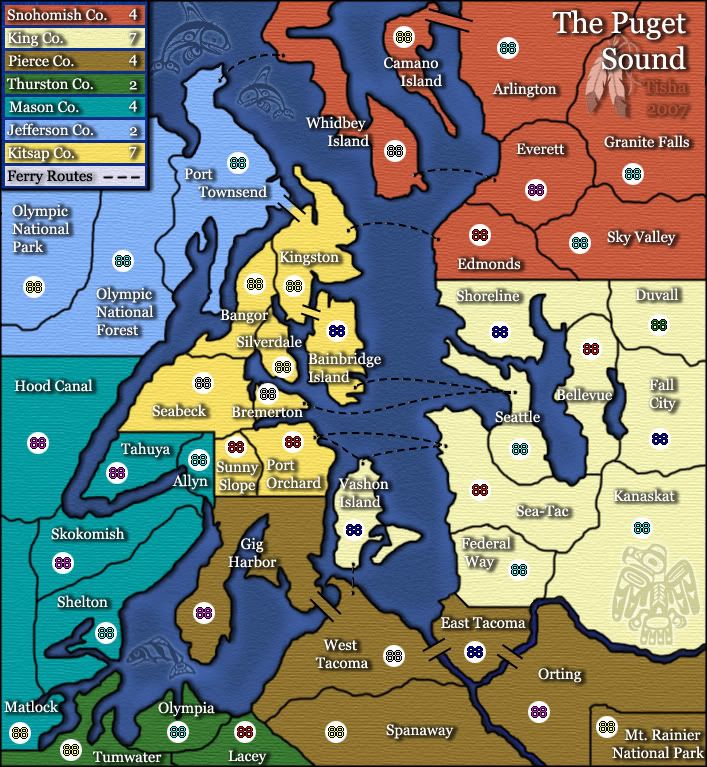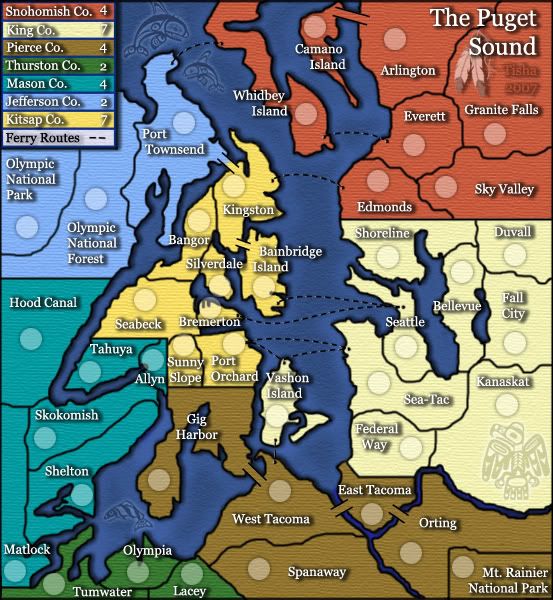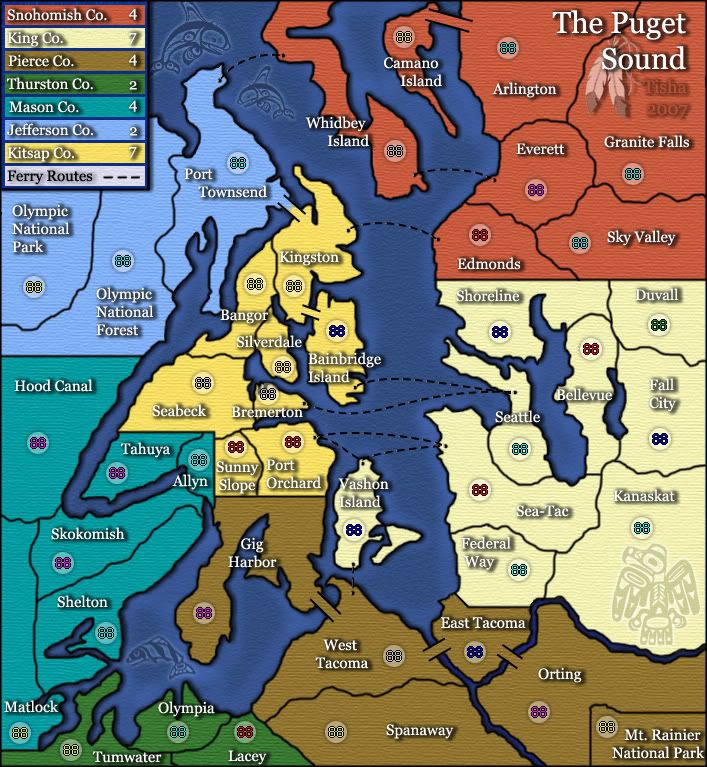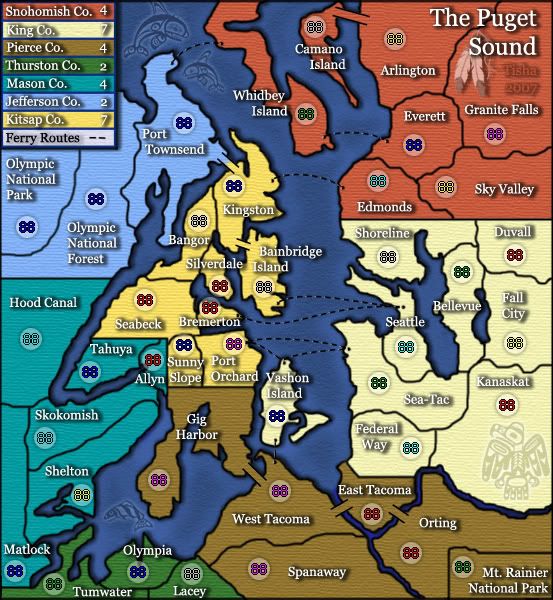

i did do the circle and the centering separate on each map...the armies are centered..even if it doesn't look so.. 3 pixles on each side five on top and five on bottomedbeard wrote:I think quite a most of your coordinates are still off on the small map. I don't think it's the centering, but the circles themselves. I find that when I resize my map, my army circles become distorted. So, I need to do all my circles twice (once on the large and once on the small).
I'm guessing that this is why this problem is happening. I know it's a pain, but to get everything perfect, this should be done. If I'm wrong and they're just not centered properly, then it's just a matter of redoing the coordinates, but I'm pretty sure it's the circles.
I think if you look at Seabeck, Hood Canal, Camano Island, Everett etc... on the small map you will clearly notice they are off center.



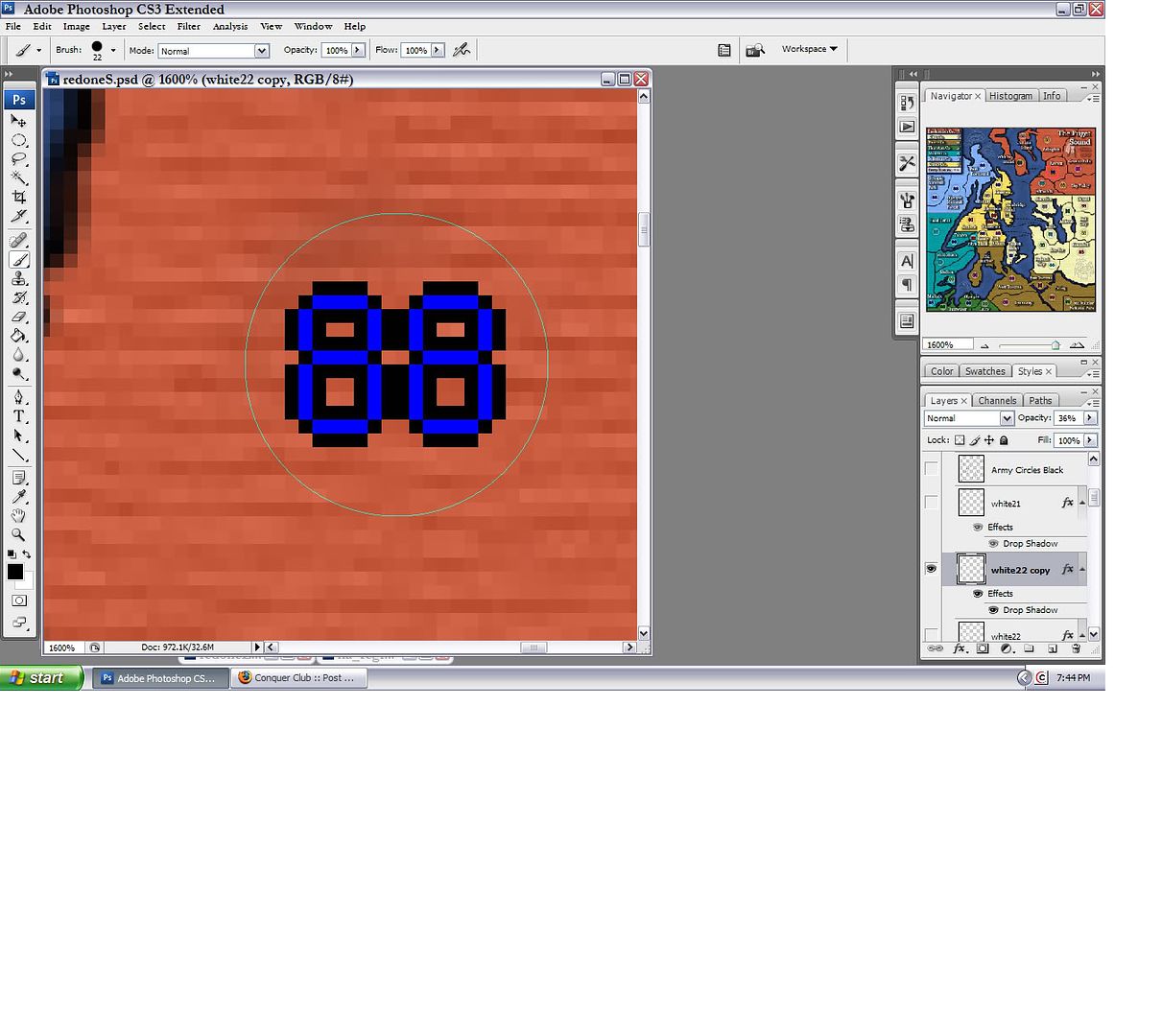
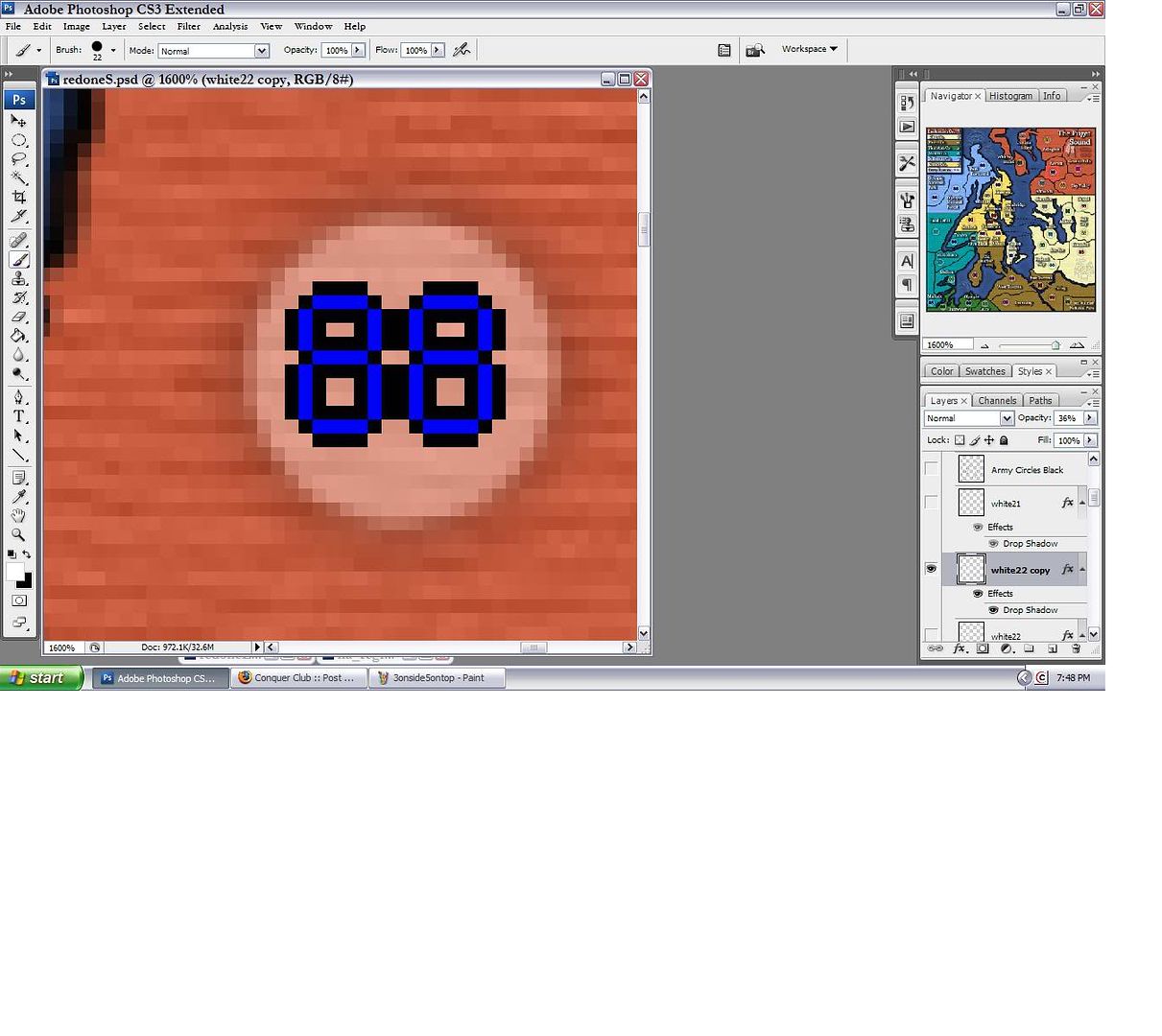
22 pixels wide actually..oaktown wrote:I posted earlier that I suspect this map uses army circles that are an odd number of pixels in width and height while the CC numbers are always even: 12x16. Short of recreating all of the army circles they will always look a bit off-center, which is fine really because how often are you going to see a perfectly symmetrical army count on there?
Here's what I'm talking about: note that the third example (23 pix wide) looks exactly like the circles on this map:
they are all uniform inside the circles..and u can't tell that it's one pixel off with random numbersedbeard wrote:Well I think the most important thing is that when the army is over the actual circle, it is NOT centered. And, you can't disagree with that.
I'm not sure why it is doing that, but I'm sure someone with more knowledge can help you figure it out.


Top Score:2403natty_dread wrote:I was wrong
and that makes the 1st one uncentered . . .wicked wrote:In the blown up circles you posted, I count 22 pixels across in the first one and 23 in the second. So make the first one 21 and the second will appear 22?Tisha wrote:22 pixels wide actually..
Top Score:2403natty_dread wrote:I was wrong
Its nothing to do with te shadow, the circles are 1px to big.Tisha wrote:doesn't sound so simple gimil..i'll just be going over every circle like i have already twice...
and once i add the shadow back that i like..is it going to screw it up again?
Top Score:2403natty_dread wrote:I was wrong

to get them to a single layer highlight all the layers and right click merge layers.Tisha wrote:this is irritating..i USED a size 22 brush to make them..
you can see that in my screen shot..
seems like nobody gets that
i went and redid them for the third time..with the plain white from the other thread
i have them all on separate layers, but together in a group.. how do i get them all to a single layer?
incase someone feels the urge to get the magnifying glass out...
Top Score:2403natty_dread wrote:I was wrong
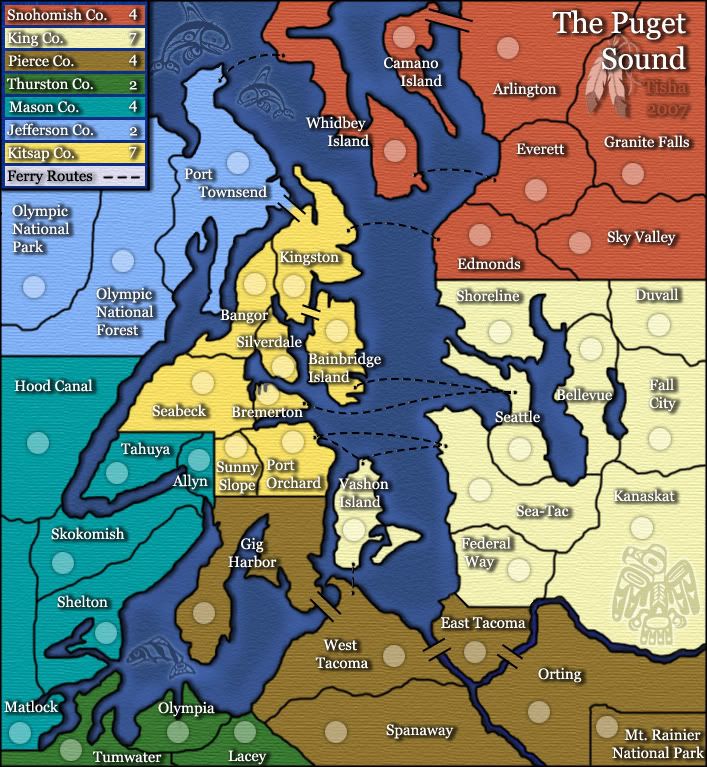
when i added shadow to the land.. it made the rivers too dark...so i added a bit of blue over the top.. opposite of where the shadow would be..reverend_kyle wrote:Out of curiosity, when did the water routes get beveled.
I like.