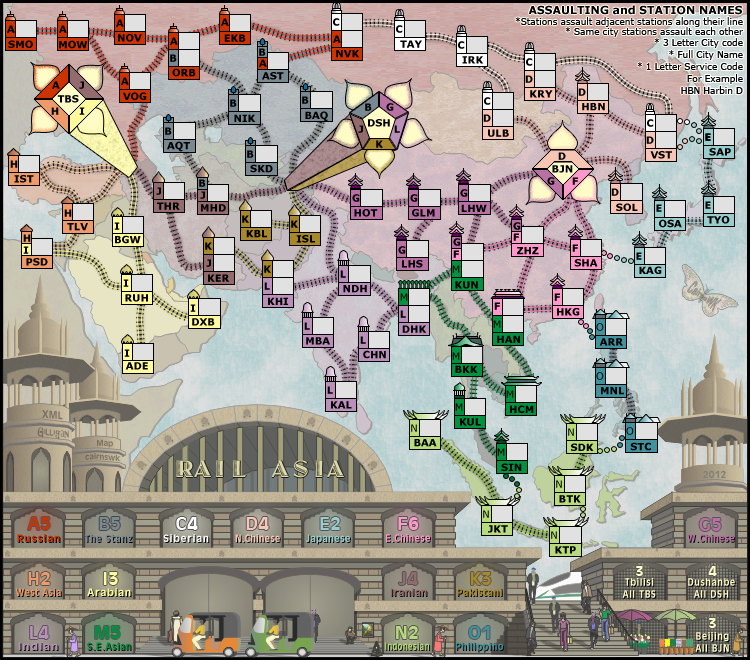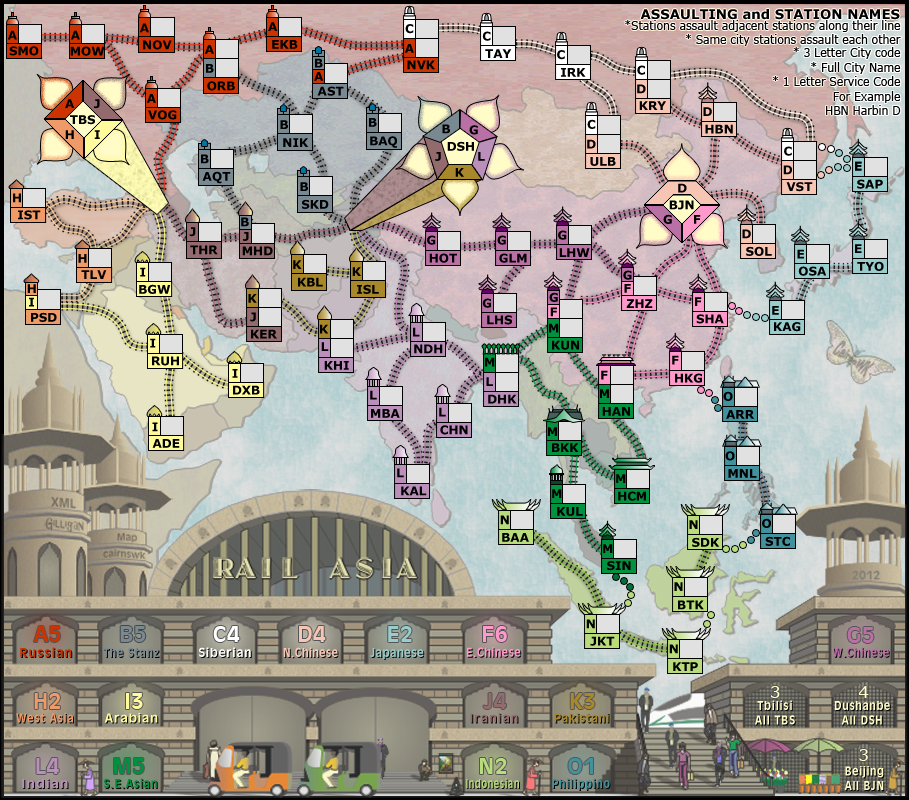
do you have a way to fix these lines isaiah40?isaiah40 wrote:Okay, everyone needs to take a break from this. There is no need to continue bickering back and forth.


Moderator: Cartographers
do you have a way to fix these lines isaiah40?isaiah40 wrote:Okay, everyone needs to take a break from this. There is no need to continue bickering back and forth.
 !
!
cairnswk wrote:
- Click image to enlarge.
- Click image to enlarge.
http://i155.photobucket.com/albums/s282 ... l-test.png
http://i155.photobucket.com/albums/s282 ... l-test.png
http://www.peeje.com/files/359944427/Ra ... inal_6.xml
 I am ready to play this!




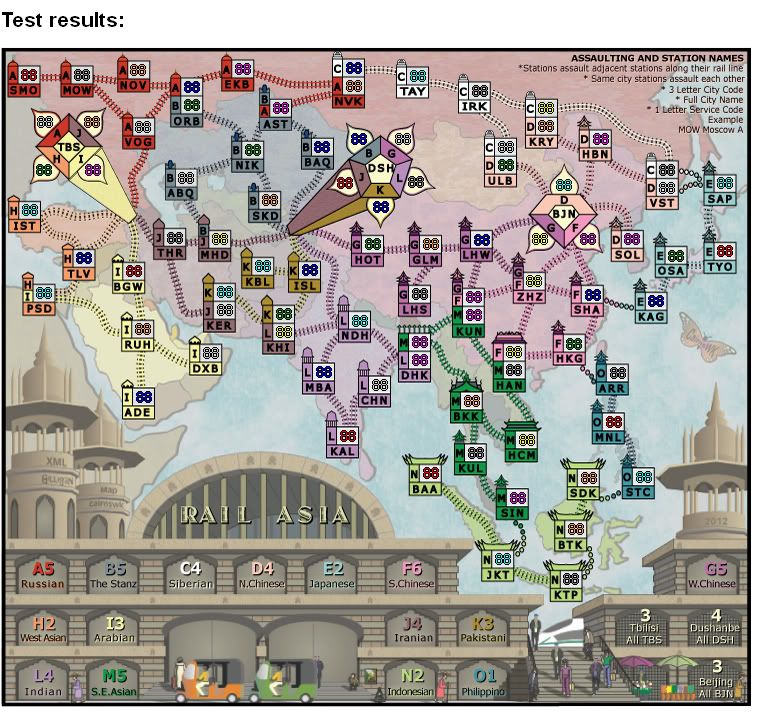
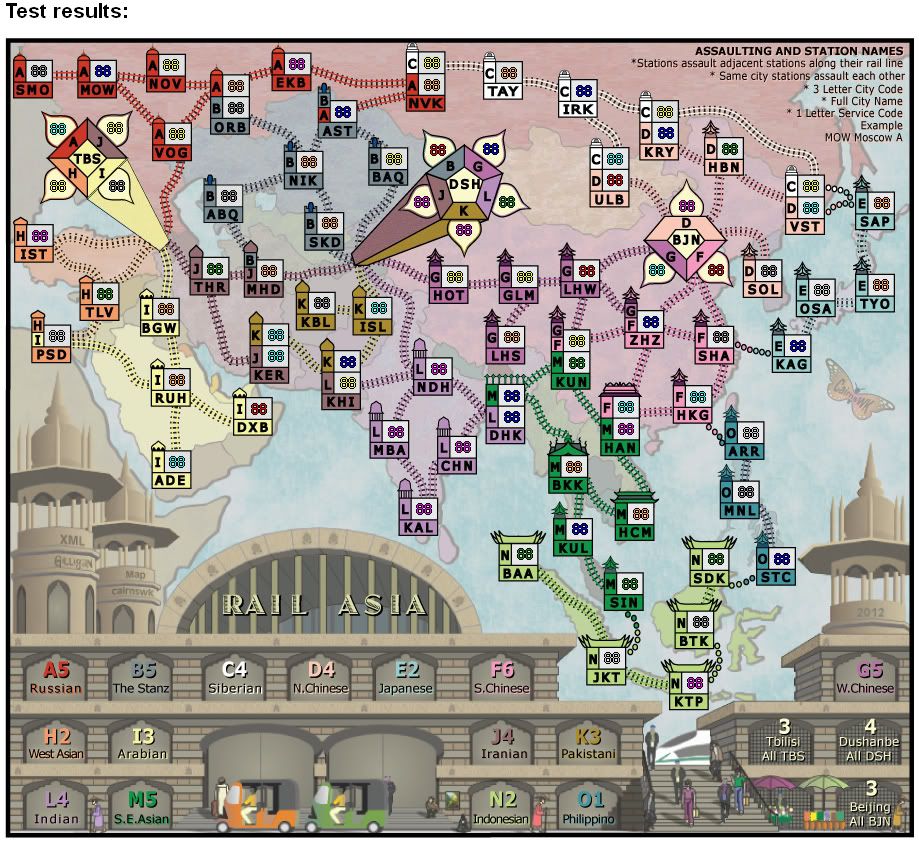
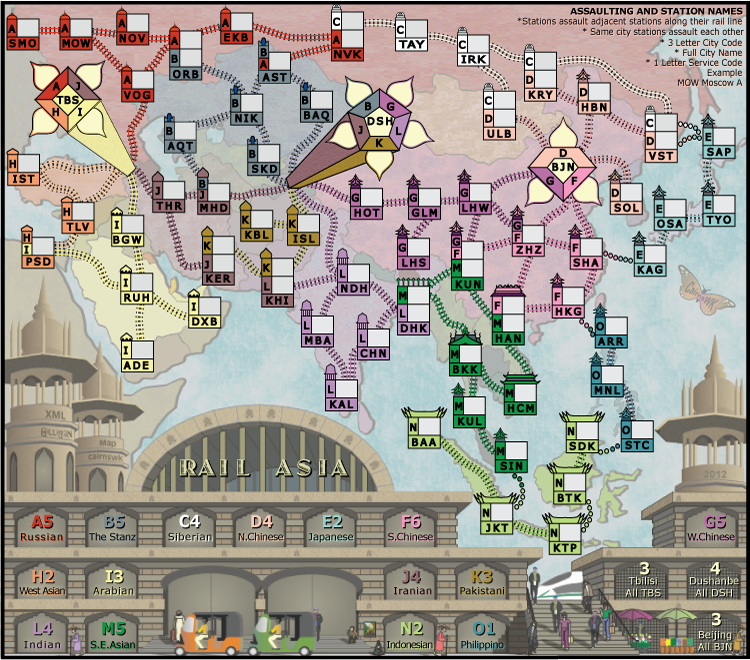
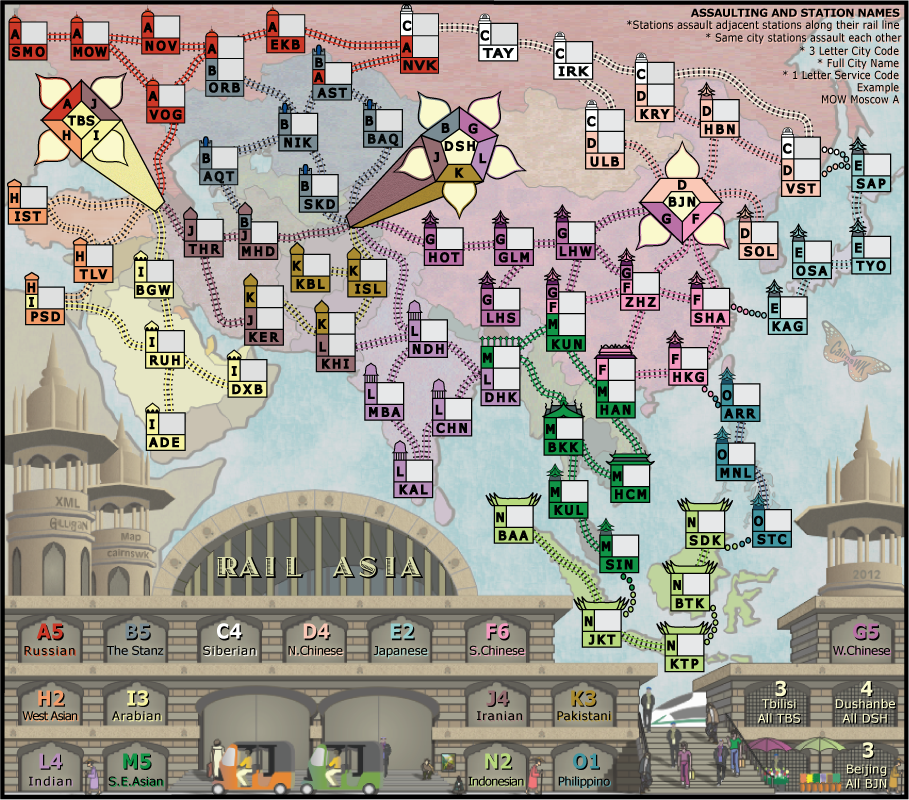
How is that?cairnswk wrote:And i am still not happy that i have had to re-draw this in PS and lost the quality of the background image because it had to be "placed" in PS.



There is a compromise...above.ender516 wrote:I have a bad feeling that the misalignments in the various polygons that DiM has pointed out may be due to restricting the vertices to an alignment grid, which got us the very crisp lines we are seeing now. I do hope we are not faced with a choice of one or the other.

natty dread wrote:Can't you export the background image (ie. the map without the stations) as a bitmap in the original software, then import that bitmap in PS and add the stations on top of it there? The background should stay unchanged that way.
natty i don't have time right now as i have uni on, but will explain fully by Thursday.natty dread wrote:Maybe I'm missing something but is there a reason why you can't do what I said in my last post?
natty dread wrote:Can't you export the background image (ie. the map without the stations) as a bitmap in the original software, then import that bitmap in PS and add the stations on top of it there? The background should stay unchanged that way.
natty. the original was done in Coreldraw.natty dread wrote:Maybe I'm missing something but is there a reason why you can't do what I said in my last post?
natty dread wrote:Can't you export the background image (ie. the map without the stations) as a bitmap in the original software, then import that bitmap in PS and add the stations on top of it there? The background should stay unchanged that way.

I am already doing your suggestion...are you not seeing the deterioration in the image when it is exported from CD to a png?natty dread wrote:What I mean is, export the image from Coreldraw into a PNG, without the stations... the same way you originally saved the image directly from coreldraw. Then import that PNG as a regular layer in photoshop. Then just add the stations in photoshop like you did before. That way, the background should look the same way as originally, when you only used coreldraw.
Thanks ender516. i'll have a look at this.ender516 wrote:Could ImageMagick be of any assistance here? I understand that it is quite the image file converter.
Ok, I really don't see how that is possible.cairnswk wrote:I am already doing your suggestion...are you not seeing the deterioration in the image when it is exported from CD to a png?natty dread wrote:What I mean is, export the image from Coreldraw into a PNG, without the stations... the same way you originally saved the image directly from coreldraw. Then import that PNG as a regular layer in photoshop. Then just add the stations in photoshop like you did before. That way, the background should look the same way as originally, when you only used coreldraw.
CD saves as .cdr. CD can export as a png/jpg/gif/psd/ai...i exported as a .png which you have often told me in the past is the best. It did deteriorate then...but that is part of what i am saying. It deterioraites enough when saving from CD to .png. importing that png into program and then exporting it again only deteriorates it further.natty dread wrote:Ok, I really don't see how that is possible.cairnswk wrote:I am already doing your suggestion...are you not seeing the deterioration in the image when it is exported from CD to a png?natty dread wrote:What I mean is, export the image from Coreldraw into a PNG, without the stations... the same way you originally saved the image directly from coreldraw. Then import that PNG as a regular layer in photoshop. Then just add the stations in photoshop like you did before. That way, the background should look the same way as originally, when you only used coreldraw.
How did you originally save your map, when you only used Coreldraw? Why didn't it deteriorate then?
Ok, that shouldn't be possible.cairnswk wrote:It deterioraites enough when saving from CD to .png. importing that png into program and then exporting it again only deteriorates it further.